Calendar Syncing
A perfectly crafted schedule is useless if it fragments across three different devices. Mastering calendar synchronization is the foundation of time blocking.
The Protocol Wars: CalDAV vs Exchange
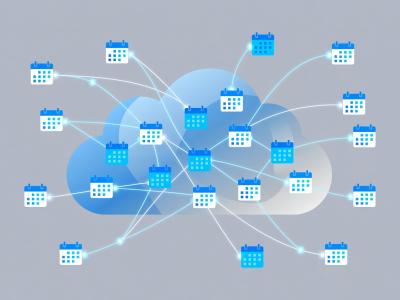
To truly own your schedule, you must understand how data moves. Most modern setups rely on either Google's infrastructure, Microsoft Exchange, or Apple's iCloud (CalDAV). For true seamless syncing, acting as a unified "source of truth" is critical.
We recommend using a front-end client that aggregates these backends rather than trying to migrate all your data to a single provider. Apps like Fantastical, Cron (Notion Calendar), or Morgen are exceptional at acting as this translation layer.
Time Blocking Mechanics
Time blocking is the act of assigning a specific time slot to every task. The math is simple: if a task takes 2 hours, it must occupy 2 hours on your calendar. If it does not fit, it does not happen.
The Defensive Block
Pre-schedule 60 minutes a day for "Deep Work". Set your status to busy. Decline meetings that overlap.
The Buffer Block
Always leave 15 minutes between consecutive meetings to process notes and reset your context.
The Admin Block
Batch email processing and slack replies into two 30-minute windows (e.g., 11:00 AM and 4:00 PM).